Guesthouse Website Design That Supports Direct Bookings
Plan a guesthouse website around mobile usability, clear room details, a reliable booking journey, genuine reassurance and meaningful measurement.
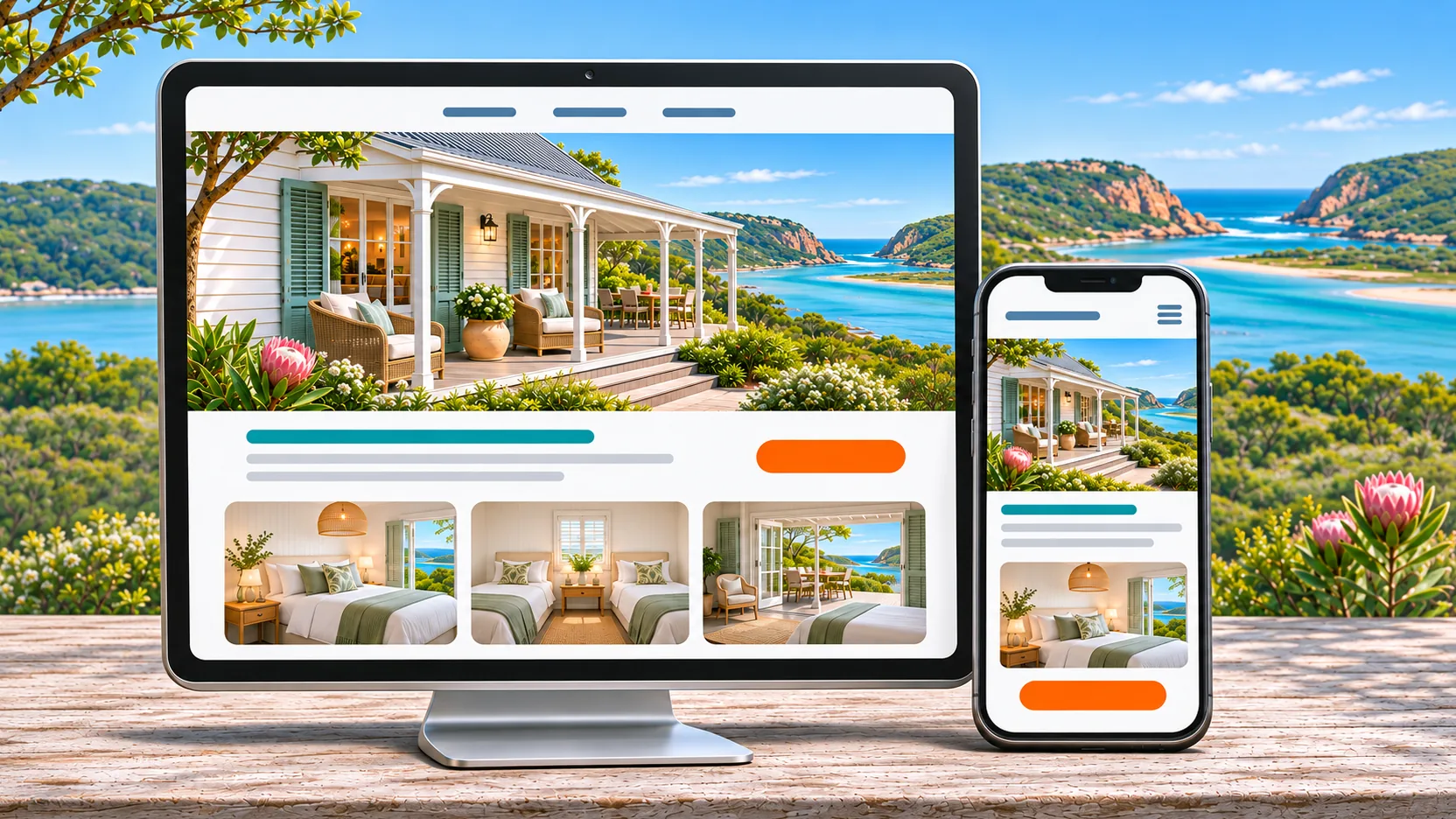
A booking-focused accommodation website helps a traveller understand the stay, choose a suitable room and take the next step without avoidable confusion. For guesthouses, lodges, villas and boutique hotels, five foundations matter: mobile usability, useful room information, a reliable booking-engine handover, genuine reassurance and meaningful measurement.
A beautiful website is part of the job, not the whole job. Demand, rates, availability and the reservations team’s response also influence bookings. Start by finding the obstacles in the actual guest journey rather than assuming a new design will solve everything.
1. Mobile speed and clear navigation
Follow the route a real traveller takes on a phone. Can they understand where the property is, compare the rooms and find availability without searching through several menus? Test from an advert, a social post and a Google result, not only from the homepage.
Keep the important details available as readable text. Use accurate photographs at a size suitable for the screen, reserve image dimensions and limit scripts that do not help the guest decide. A large video, animation or interactive tour should not block room information or booking controls.
Google’s Core Web Vitals guidance distinguishes loading, responsiveness and layout stability. A laboratory speed score is useful for finding problems, but it does not describe every visitor’s connection or device. Review real-user evidence when sufficient data exists, alongside practical phone checks.
Try this owner check: ask someone unfamiliar with the website to find a two-person room, its important conditions and a way to check dates. Note where they hesitate. That gives the design team a specific problem to solve.
For more detail, use our mobile website experience guide.
2. Useful room pages and transparent details
Give each room type enough information to support a decision: bed arrangements, maximum occupancy, bathroom, relevant facilities, inclusions and genuine restrictions. Explain access accurately rather than making a broad accessibility claim the property cannot substantiate.
Photographs should show the room a guest can actually book. Identify shared spaces, room-specific views and representative images clearly. Do not use a generated room or landscape as evidence of a real facility.
Location information should help someone plan the stay. Explain practical access, nearby experiences and any limitations that matter. Give useful context rather than promising every attraction is a short walk away.
Keep offers and policies consistent with the booking engine. An old promotional rate should not look like today’s standard price. If a price depends on dates or occupancy, explain that basis and lead to current availability.
3. A reliable availability and booking-engine handover
The booking journey continues after the visitor leaves the main website. The booking engine needs to work on the same devices, show the correct property and make dates, room choices and total costs understandable.
Check the exact integration your provider supports. Some links can carry selected dates or room details; others cannot. If a choice is lost, improve the connection where possible or explain the next step. Do not promise an integration before testing it.
Review these points with the responsible provider:
- Does the destination open the correct property and room information?
- Are availability, restrictions and cancellation terms consistent?
- Can a guest understand payment and confirmation arrangements?
- Is help available if the guest cannot complete the booking?
- Where does responsibility move from the website team to the reservations or booking-system provider?
A website link does not automatically synchronise OTA inventory. Distribution, reservations and revenue work need their own ownership. Where specialist support is needed, TMSA can introduce Rooms Online for a separately agreed scope.
Our booking-engine and guest-management guide explains those different system roles.
4. Genuine reviews and booking reassurance
Reassurance comes from accurate information and a credible process: genuine guest feedback, clear contact details, understandable policies and a trustworthy payment route. Keep displayed review ratings current and attribute quotations appropriately.
Use HTTPS throughout the journey. Encryption protects the connection; it does not prove that every business claim or message is genuine. Explain the property’s real payment process and provide a contact route guests can verify independently.
Do not manufacture urgency, reviews, certifications or trust badges. A truthful statement about actual availability is more useful than a countdown that restarts every day. Keep the website’s promise consistent with what the property and reservations team can deliver.
5. Clear calls to action and connected measurement
Use a consistent booking or availability action where the traveller needs it, with an accessible enquiry alternative. Avoid several equally prominent buttons competing to do the same job. A guest asking a question should know who will respond and what happens next.
Measure different stages separately: room-page visits, availability checks, enquiry submissions, booking starts and confirmed reservations. A click on Book Now is not a completed booking.
Where systems, permissions and integrations allow it, connect website and booking-engine data and reconcile it with reservation records. Record gaps such as cross-domain breaks, unavailable booking data and privacy choices. Do not add together overlapping platform claims and describe the total as unique bookings.
An illustrative problem is a campaign producing useful room-page visits but few booking-engine starts. The next investigation might be the room details, availability button or handover. Buying more traffic before understanding that gap can simply send more people into the same obstacle.
What should you fix before commissioning a rebuild?
Write down the most important guest journey and the points where it fails. Separate missing information, broken integrations, slow pages and outdated design. Some problems need a targeted correction; others justify a rebuild.
If rebuilding, inventory valuable content and URLs first. Preserve existing paths where possible and agree SEO, forms, tracking, ownership, maintenance and launch checks before replacing the site. Do not assume a redesign guarantees unchanged rankings or an increase in bookings.
Use our booking-button checklist for detailed conversion checks, and the direct-booking strategy for the wider channel plan.
How TMSA can help
TMSA builds WordPress websites around the property, its guests and the journey from first look to enquiry or booking. The scope includes the agreed design, content, usability, search foundations and supported booking-system connections. Hosting, maintenance, licences and additional integrations should be identified separately.
Explore our booking-focused website service to discuss the right next step for your property.
A clearer path to more direct bookings.
Bring your website, search visibility, advertising and content together around your accommodation brand.